You got a sketchy login alert. Or maybe you just reuse the same password everywhere and finally decided to fix that. Either way, you opened Facebook and now you can’t figure out where the password setting is hiding. Facebook buries it three menus deep and the UI changes constantly — so if you’ve been clicking in circles, that’s not on you. This guide shows you exactly how to change your Facebook password in under two minutes, on any device, with zero guesswork.
✅ Quick Answer
Go to Settings & Privacy → Settings → Security and Login → Change Password. Enter your current password, type your new one twice, and tap Save Changes. That’s the whole thing. Keep reading if you hit a snag.
How to Change Your Facebook Password — Step by Step
On Mobile (iPhone & Android)
- Open the Facebook app and tap the three horizontal lines (bottom-right on iPhone, top-right on Android).
- Scroll down and tap Settings & Privacy.
- Tap Settings.
- Scroll to the Security section and tap Security and Login.
- Tap Change Password under the “Login” heading.
- Enter your Current Password in the first field.
- Type your new password in the New Password field.
- Re-enter it in the Confirm New Password field.
- Tap Save Changes.
Facebook logs you out of other devices automatically after you save. You stay logged in on the phone you used.
On Desktop (Mac & Windows Browser)
- Open Facebook in your browser and click the down arrow (▼) in the top-right corner.
- Click Settings & Privacy, then click Settings.
- In the left sidebar, click Security and Login.
- Under the Login section, find Change Password and click Edit.
- Fill in your Current Password, then your New Password twice.
- Click Save Changes.
The page refreshes and confirms the update. No email confirmation required.
Why This Happens — When Facebook Forces a Password Change
Facebook sometimes locks accounts or flags passwords for three reasons.
Suspicious login activity triggers an automatic security alert. Facebook detects a login from an unfamiliar device or location and flags it. You may get an email or in-app notification pushing you to reset.
A data breach elsewhere can also cause this. If your email and password leaked from another site, Facebook’s systems sometimes detect the match and prompt a reset. This happens because hackers try stolen credentials across multiple platforms.
You forgot your password after a long time away. In that case, skip straight to the “What If This Doesn’t Work” section below.
What If This Doesn’t Work?
You Don’t Remember Your Current Password
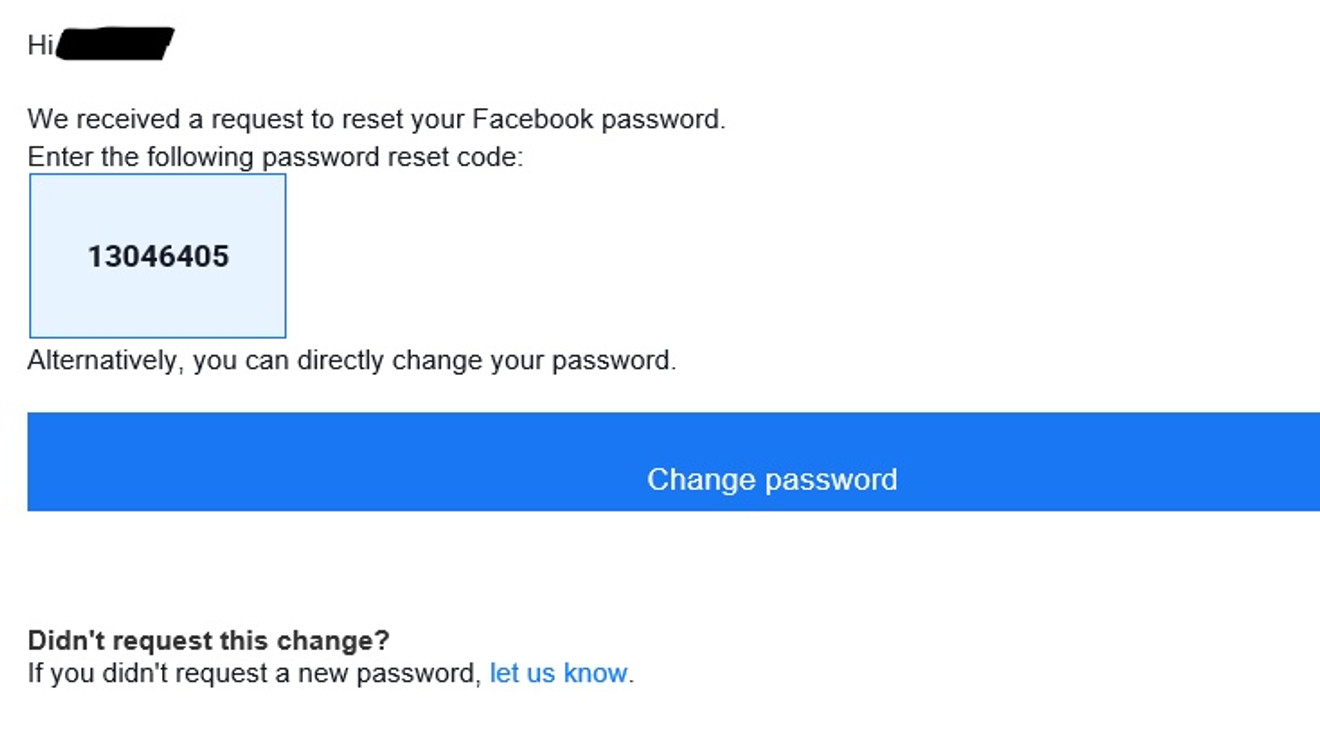
You can’t change a Facebook password without knowing the current one — unless you reset it. On the login screen, tap Forgotten password? and follow the steps. Facebook sends a reset code to your email or phone number on file.
The “Security and Login” Option Isn’t Showing
This happens when Facebook updates its menu layout. Try searching “Password” in the Settings search bar at the top of the Settings page. It takes you directly to the right screen.
You’re Not Getting the Reset Email
Check your spam folder first. If nothing’s there, the email on your Facebook account may be old or deleted. On the password reset screen, choose “No longer have access to these?” to use your phone number instead, or to verify your identity another way.
Your Account Got Hacked and the Password Was Already Changed
Go to facebook.com/hacked immediately. Facebook has a dedicated recovery flow for compromised accounts. Don’t waste time clicking through normal Settings — that page exists exactly for this situation.
Pro Tips
- Turn on two-factor authentication right after. Go to Security and Login → Two-Factor Authentication. A code-based login makes a stolen password almost useless.
- Facebook doesn’t enforce a password length limit above 8 characters — but longer is stronger. Use a passphrase of 4 random words instead of a complex string you’ll forget.
- Changing your password logs you out of active sessions on other devices. Use this deliberately if you think someone else has access to your account.
- Your new password can’t be one you’ve used recently on Facebook. The platform keeps a short history and rejects repeats. Pick something genuinely new.
- The Facebook app sometimes lags behind the browser version when the UI updates. If the mobile steps don’t match what you see, try the desktop browser version first.
FAQs
Can I change my Facebook password without knowing the old one? Yes — but only through a reset, not a direct change. On the login screen, tap Forgotten password? and use your email or phone to get a reset code. Once you reset, you set a brand-new password without needing the old one.
How often should I change my Facebook password? No fixed rule exists, but change it immediately after any suspicious login alert, if you used the same password on another site that got breached, or if you shared access with someone you no longer trust.
Does changing my Facebook password affect Messenger? No. Messenger uses the same Facebook account, so your login updates automatically. You stay logged in on the same device and get access to all your messages without any extra steps.
Will changing my password log me out of everything? It logs you out of other devices and browsers where Facebook was open. The device you used to make the change stays logged in. You can also manually review and end other sessions under Security and Login → Where You’re Logged In.
Can I use the same password I had before? Facebook blocks recently used passwords. If your previous password gets rejected, that’s why. Choose something you haven’t used on this account before.
You’ve Got This
Changing your Facebook password takes less than two minutes once you know where to look. If you hit a wall — wrong password, missing menu, locked account — the fix exists, and this guide covers it. Lock things down, turn on two-factor authentication, and you won’t need to worry about this again for a long time.